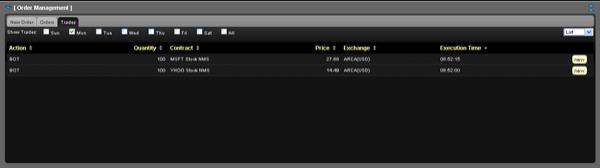
You view execution reports of your trades on the Trades tab in the Order Management Panel.
To view trades
In the Order Management Panel, click the Trades tab.
The Trades tab can display trades from the last seven days. Click the check box for each day for which you want to view trades. Click All to view all trades from the last seven days.
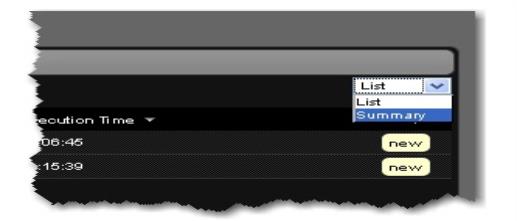
Select one of the options from the drop-down list in the upper right corner of the Trades tab:
Select List to display information about each trade on a separate line. On each line, you can click the new button to create a new order for the same instrument.
Select Summary to display a summary of activity for each instrument. On each line, you can click new to create a new order for the same instrument.
You can sort the information on the Trades tab by any column. Simply click a column name to sort by that column.